Reset Pose based on Selection - Maya Script (Python)
Hi,
This is one of the first scripts I've finished using Python.
I converted the Mel script from Will Hoag into Python and develope it further.
Video demo: https://youtu.be/8QHRvnO2OXE
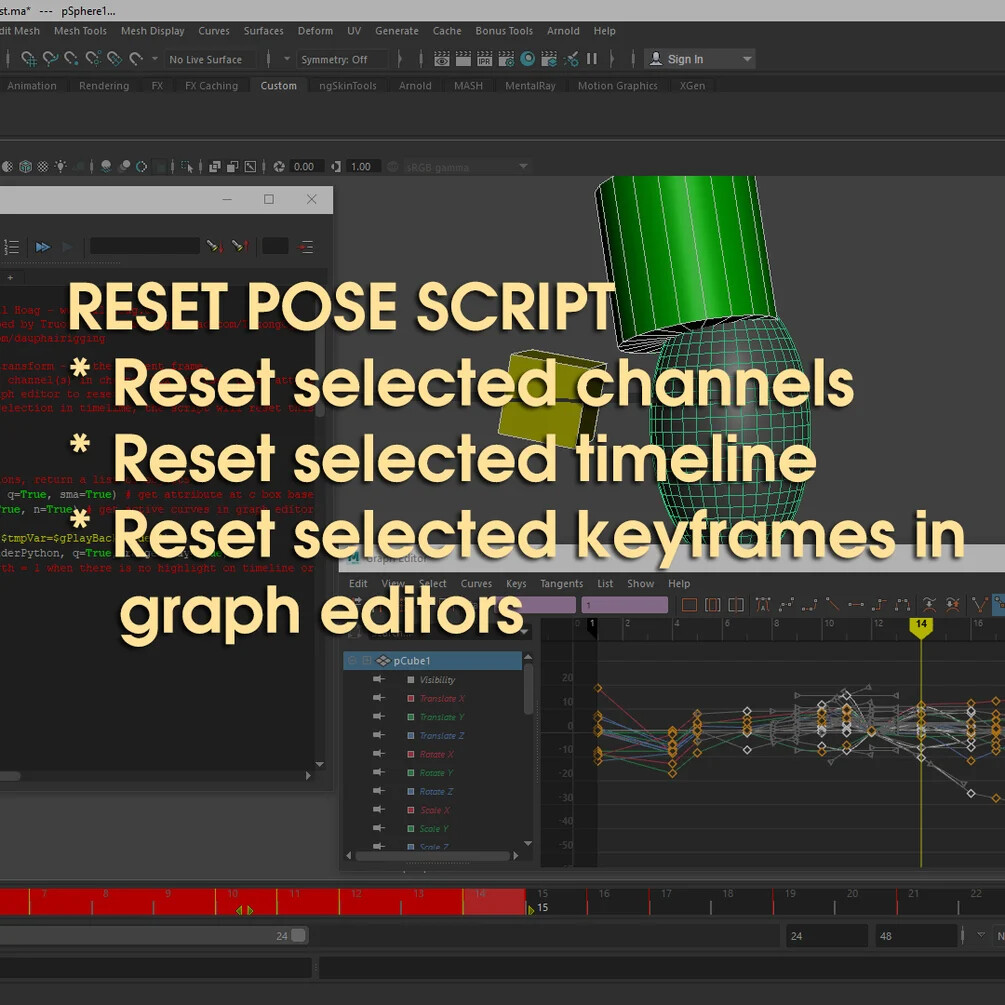
Basically what it does is to reset pose based on your selection:
- Option 1: select objects to reset transform - at the current frame.
- Option 2: select objects, then the channel(s) in channel box to reset these attributes only.
- Option 3: select keyframe(s) in graph editor to reset.
- Option 4: if there is highlighted selection in timelime, the script will reset this section only - it's working with selected channels too.
How to use:
Window > General Editor > Script Editor
Command > New Tab > Python
File > Load Script > and select the downloaded script
Select all the script (Ctrl + A) & hit Ctrl + Enter on keyboard
You can select all the script (Ctrl + A), then File > Save Script to Shelf. To make a shelf button for it.
You can also assign Hotkey for the script (just look up “Maya assign hotkey” on youtube/ google)
Let me know if you see any bug.
If you have any script request, feel free to let me know. I'm looking for ideas to script.
Cheers,
Truong